
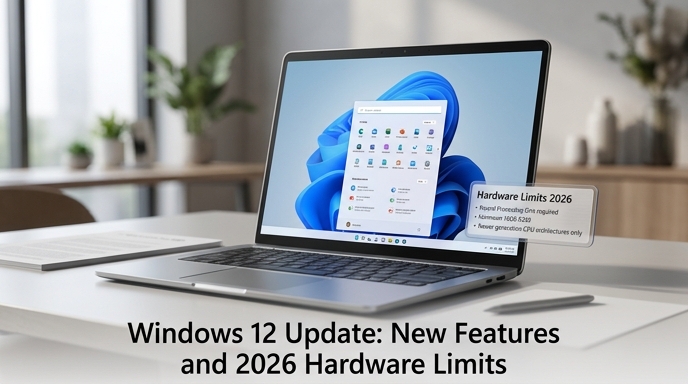
Upgrading an operating system often feels like a gamble between gaining fresh tools and losing system stability. With the rollout of the windows 12 update in 2026, many PC users are wondering if the transition is actually worth the potential disruption. Microsoft has shifted its focus heavily toward artificial intelligence, fundamentally changing how the desktop environment operates on a daily basis.
This transition is not just a visual redesign. The new system introduces a modular architecture that adjusts to your specific hardware capabilities. Before you click the installation prompt, you need to understand how these architectural shifts will impact your workflow, memory usage, and privacy.
What Drives the Windows 12 Update in 2026?
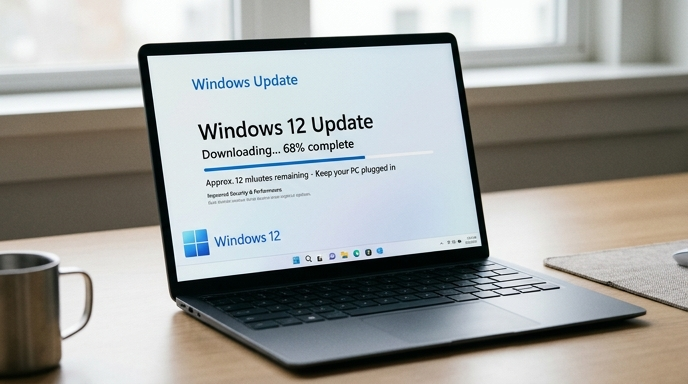
Every major software overhaul stems from shifting hardware trends, and this rollout is no exception. The primary catalyst behind the windows 12 update is the mainstream adoption of Neural Processing Units (NPUs) in modern processors. Rather than relying solely on the main CPU or graphics card, the operating system now offloads heavy machine-learning tasks to dedicated silicon.
Consequently, users will notice a distinct divide in how the system behaves on older machines versus new ones. If you are running legacy hardware, the OS essentially scales down, disabling resource-heavy background processes to maintain fluid navigation. On modern setups, however, it proactively manages battery life, anticipates application launches, and indexes files locally without pinging external servers. This dynamic scaling is designed to keep the platform relevant across everything from high-end workstations to budget tablets.
Key Feature Shifts from Windows 11
Moving away from the static layouts of previous iterations, the current environment feels much more fluid. The user interface has been subtly refined, featuring a floating taskbar and cleaner system trays. However, the most significant changes happen under the hood, fundamentally altering how you interact with your files and applications.
-
Deep AI Integration at the OS Level
Artificial intelligence is no longer restricted to a side panel or a web browser tab. In this version, AI integration operates locally at the core system level. It analyzes your daily usage patterns to optimize power consumption during peak hours. Furthermore, the universal search function has evolved into a contextual assistant. Instead of just looking for basic file names, you can search for concepts or specific phrases buried deep within your local documents.
Because these computations happen locally, your data stays strictly on your machine. This addresses a major privacy concern, giving professionals peace of mind when handling sensitive client information.
-
Modular Architecture for Lighter Devices
Historically, Microsoft’s operating systems have been criticized for being bloated with unnecessary legacy code. To solve this, the developers implemented a “CorePC” approach. This modular architecture allows the system to partition itself. It separates the core OS files from user data and third-party applications.
As a result, system resets are nearly instantaneous, and malicious software finds it harder to compromise directories. Updates also install significantly faster in the background because they only patch specific modules rather than rewriting massive registry chunks. This compartmentalization keeps the OS remarkably agile on modern laptops.
Hardware Requirements: Do You Need a New PC?
The most controversial aspect of the windows 12 update revolves around its strict hardware limitations. Just as the previous generation phased out older TPM chips, this iteration draws a hard line on processing capabilities. While you can technically force the installation on older machines, the experience will be severely degraded.
To run the system efficiently, users must meet a stricter baseline. Failing to meet this NPU requirement means missing out on advanced local processing, defaulting to basic functions. Below is a quick comparison of the hardware needed.
|
Component |
Windows 11 Baseline |
Windows 12 Requirement |
|
Processor |
1 GHz, 2-core |
64-bit with NPU |
|
Memory |
4 GB RAM |
8 GB RAM minimum |
|
Storage |
64 GB standard |
256 GB SSD required |
|
Security |
TPM 2.0 |
TPM 2.0 + Pluton |
Frequently Asked Questions
Understanding a major system transition can be confusing. Here are a few common questions users have before initializing the download.
Is the windows 12 update mandatory for current users?
No, it is not strictly mandatory right now. Microsoft has committed to supporting the previous Windows 11 transition for several more years. You can safely decline the prompt if your current workflow relies on older, incompatible software. However, security patches will eventually phase out for older versions.
How much will it cost to upgrade?
For consumers currently holding a valid, activated license of the previous version, the OS upgrade is completely free. Enterprise users and volume license holders will need to consult their IT departments, as corporate deployment tools often carry separate licensing fees or subscription models.
Making the Switch: A Balanced Verdict
Deciding whether to install the new operating system ultimately depends on your current hardware setup and daily workflow. If you recently purchased a laptop equipped with a modern processor and an NPU, the upgrade will unlock noticeable improvements in battery life and multitasking speed. The localized AI features alone make document management significantly more intuitive.
Conversely, if your desktop is older and barely meets the 8 GB memory threshold, holding off might be the smartest move. Rushing the installation could result in sluggish performance and driver incompatibilities. Verify your specifications, back up important files, and proceed only when certain your hardware can handle the new framework.