

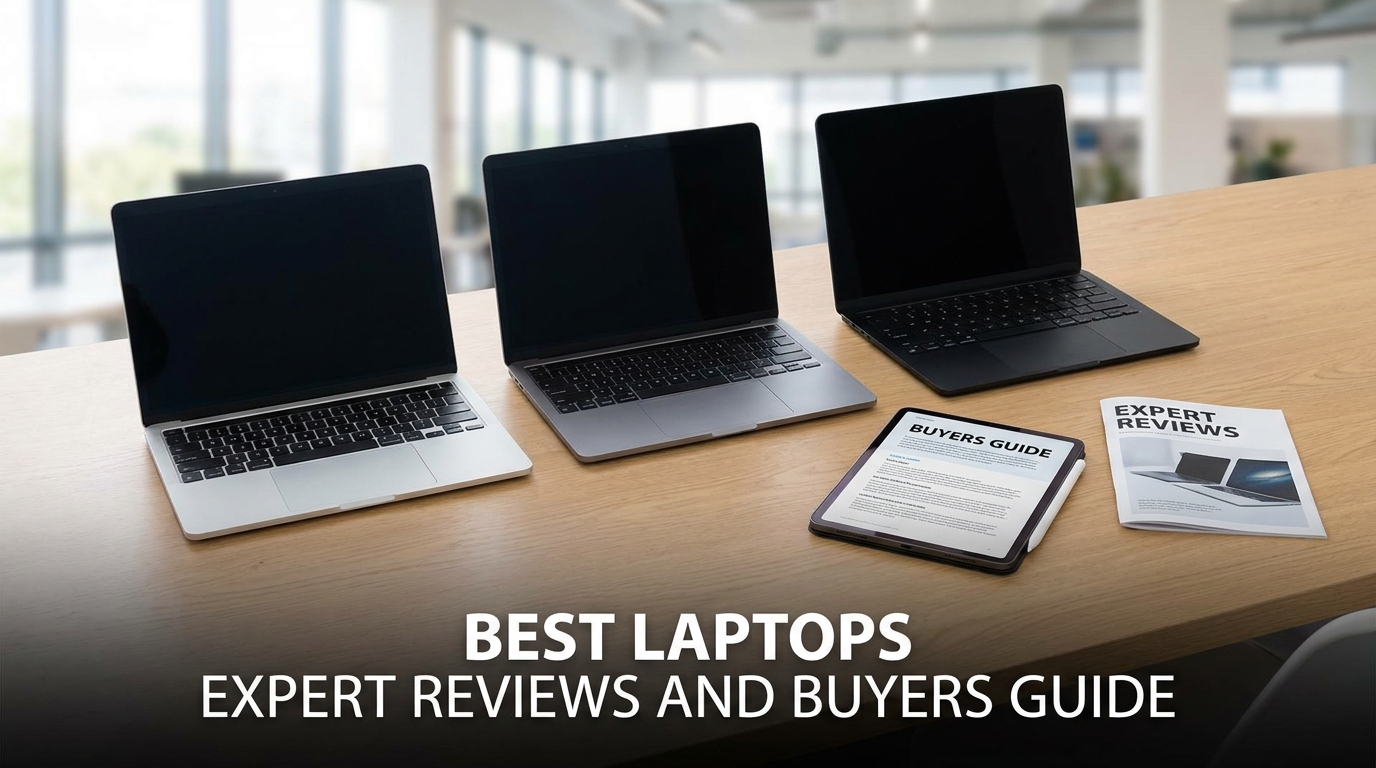
Finding a reliable portable computing device requires careful evaluation of hardware specifications and display fidelity. Today, technology manufacturers flood the global market with diverse options. As a result, selecting a new system can quickly feel overwhelming for modern buyers. Fortunately, having the right hardware setup fundamentally transforms your daily productivity. Modern processors from Intel Core Ultra and AMD Ryzen AI lineups deliver remarkable processing speed. In addition, new Apple M4 chips provide class-leading efficiency across demanding creative workflows. Meanwhile, Qualcomm Snapdragon X Elite processors bring extended battery endurance to modern Windows ultraportables. Consequently, understanding your exact software needs helps you choose suitable components without overspending. Furthermore, evaluating thermal dissipation, keyboard travel, and chassis weight ensures complete satisfaction when purchasing the best laptops.
Choosing the Right Portable Computers for Your Daily Workflow
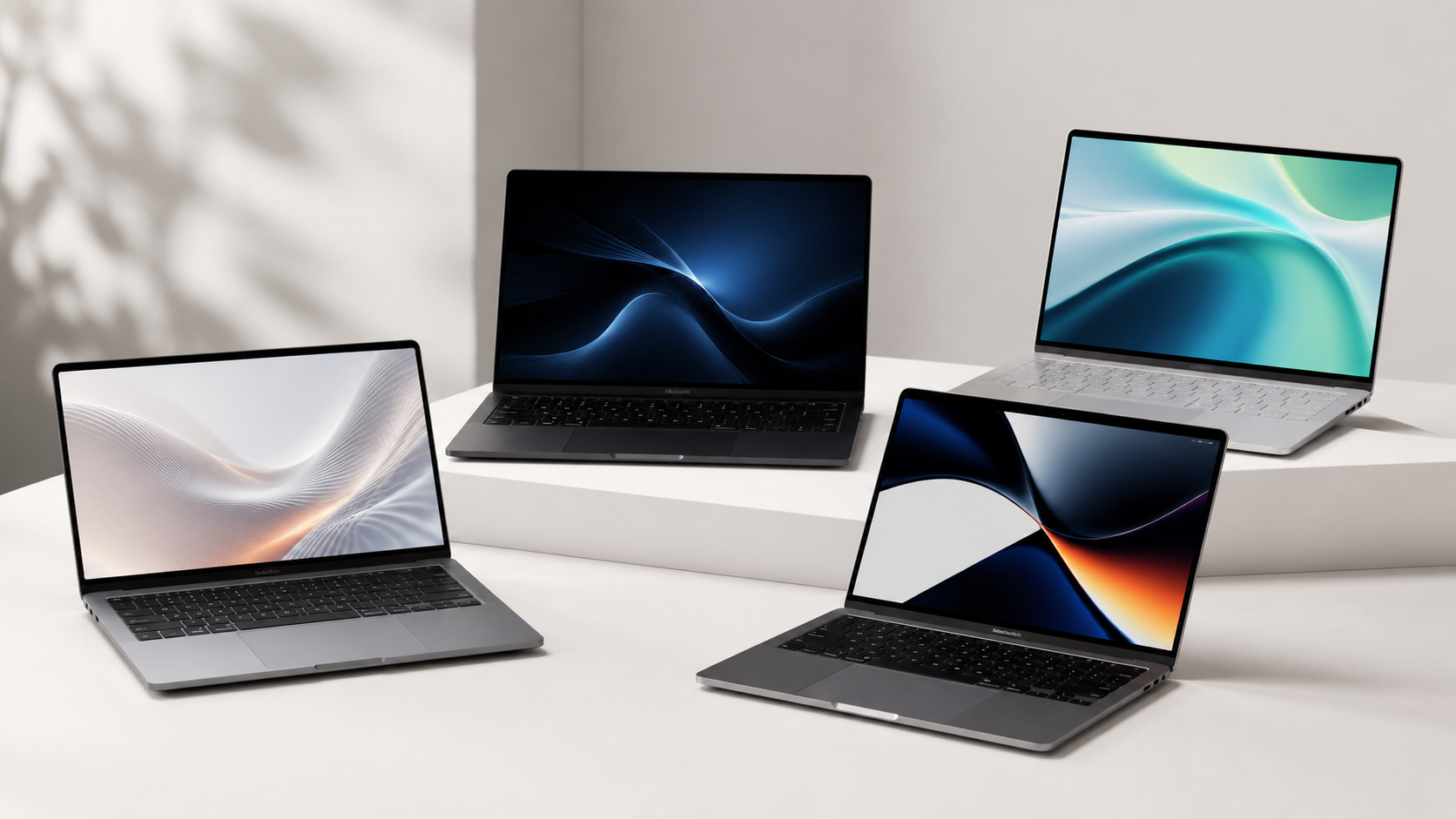
Selecting a dependable system always begins with analyzing your daily computing habits. For example, professional video creators and 3D animators require massive graphics power and high unified memory. In contrast, casual office workers primarily need lightweight ultrabooks for basic web browsing and document processing. Furthermore, hybrid professionals prioritize exceptional battery endurance when working outside traditional office spaces. Modern processor architectures now integrate advanced power management systems. As a result, these efficient chips maintain lower chassis temperatures during continuous multitasking sessions. In addition, Microsoft Copilot+ PC features introduce smart on-device intelligence across Windows 11 applications. Therefore, choosing a responsive platform streamlines your digital productivity throughout the entire workday.
Top Category Breakdown for Budget Laptops and Workstations
Today, computer manufacturers offer diverse market tiers to accommodate various user budgets and technical requirements. Consequently, smart shoppers carefully balance retail price against raw computing horsepower when searching for budget laptops or high-performance workstations.
| Category | Model Example | Processor | RAM and Storage | Battery Life | Target Usage |
| Premium Ultrabook | Apple MacBook Air M3 | Apple M3 8-Core | 16GB / 512GB SSD | Up to 18 Hours | Productivity, Coding, Travel |
| Windows Copilot+ PC | Microsoft Surface Pro 11 | Snapdragon X Elite | 16GB / 512GB SSD | Up to 14 Hours | Business, Mobile Work, Notes |
| High-End Gaming | Asus ROG Zephyrus G16 | Intel Core Ultra 9 | 32GB / 1TB SSD | Up to 8 Hours | Ray-Tracing Gaming, 3D Render |
| Creator Workstation | Dell XPS 16 | Intel Core Ultra 7 | 32GB / 1TB SSD | Up to 10 Hours | 4K Video Editing, Design |
| Budget Productivity | Acer Aspire Go 15 | Intel Core i3-N305 | 8GB / 256GB SSD | Up to 9 Hours | School, Browsing, Documents |
Performance Benchmarks and Hardware Capabilities
Raw computing performance dictates how smoothly your portable machine handles demanding computational workloads. Currently, modern silicon platforms include specialized neural processing units delivering over 40 TOPS of compute power. As a result, these dedicated chips accelerate machine learning tasks directly on your device. When reviewing synthetic benchmark scores, you should prioritize multi-core performance metrics over simple peak clock speeds. Dedicated graphics cards dramatically speed up visual rendering and complex computations. In contrast, integrated graphics handle standard office productivity while conserving battery life. In addition, new PCIe solid-state drives transfer large project files instantly. Therefore, choosing balanced core components prevents severe hardware bottlenecks during daily operations.
Display Quality and Laptop Battery Life
Visual comfort directly depends on panel technology, pixel resolution, and peak brightness levels. For instance, high refresh rate displays operating at 120Hz provide smoother motion clarity during daily navigation. Furthermore, creators prefer tandem OLED and Mini-LED panels because these screens produce deep contrast ratios and exact color accuracy. Beside display fidelity, power retention represents an equally crucial metric for active remote workers. Modern processor improvements now allow compact laptops to achieve fifteen to twenty hours of continuous use. In addition, silicon manufacturers implement dynamic power-scaling states that conserve battery life during idle periods. Fast charging systems also replenish significant capacity within forty-five minutes. Consequently, mobile professionals work productively without searching for wall outlets.
Navigating Ultrabooks and Best Gaming Laptops Options
Dedicated gamers require powerful discrete graphics processors and advanced dual-fan cooling systems to run modern titles smoothly. For example, the best gaming laptops utilize high-wattage GPUs, vapor chamber cooling, and mechanical key switches. These robust gaming machines often include customizable lighting zones and high-speed Wi-Fi 7 wireless connectivity. In contrast, premium ultrabooks prioritize silent operation, slim aluminum enclosures, and featherlight portability for corporate boardrooms. Therefore, finding your perfect balance between mobility and graphics muscle depends strictly on your lifestyle. In addition, reading reliable laptop reviews helps you assess actual real-world battery endurance and chassis rigidity before buying. Overall, evaluating real user experiences ensures you select a dependable device matching your gaming habits.
Making the Smart Investment for Your Digital Life
Purchasing a premium computing machine requires thorough technical research and clear personal priorities. Thus, you should focus on components that actively improve your daily digital routine. Evaluating warranty coverage and component upgradeability options also protects your long-term technology investment. In addition, checking physical port selections guarantees effortless compatibility with external monitors and storage drives. Modern USB4 and Thunderbolt 4 ports allow seamless single-cable docking setups at home or work. Furthermore, durable aluminum chassis construction prevents body flex during frequent travel. You can browse our comprehensive collection of laptop reviews to compare performance figures and find the best laptops for your workflow.
What specifications matter most when purchasing a new portable computer?
Processor architecture, system memory, and solid-state storage speed form the core foundation of daily system responsiveness. Furthermore, choosing at least sixteen gigabytes of RAM ensures smooth multitasking across modern operating systems.
How do modern processors affect daily battery endurance?
Advanced processor architectures dynamically shift computational tasks between high-efficiency cores and high-performance cores. Consequently, this smart power distribution preserves battery life during simple browsing tasks and delivers maximum power during heavy rendering.
Are budget models suitable for professional graphic design work?
Entry-level budget laptops comfortably handle standard photo editing and basic illustration tasks. However, professional graphic designers require factory-calibrated color panels, wide color gamuts, and dedicated graphics cards to manage complex visual workflows accurately.
Why is thermal management crucial for high performance machines?
Effective thermal engineering prevents aggressive processor throttling under heavy computational loads. Therefore, robust cooling designs maintain sustained clock speeds and protect internal components during extended gaming sessions or video exports.
How often should an average user upgrade their computing device?
Most modern laptops deliver excellent performance for four to six years under typical operating conditions. However, demanding professionals might upgrade earlier when newer hardware platforms provide substantial productivity improvements.